Help →
Version history
Papeer keeps 30 days of history of the text of every document. When you accidentally delete or overwrite something, you go back to an earlier version.
Viewing
- In the document’s … menu choose Version history….
- On the left is a list of versions with the time and device, on the right the text of the selected version.
- The Restore button makes the selected version the current text. Today’s text is saved as another version in the process — nothing is lost.
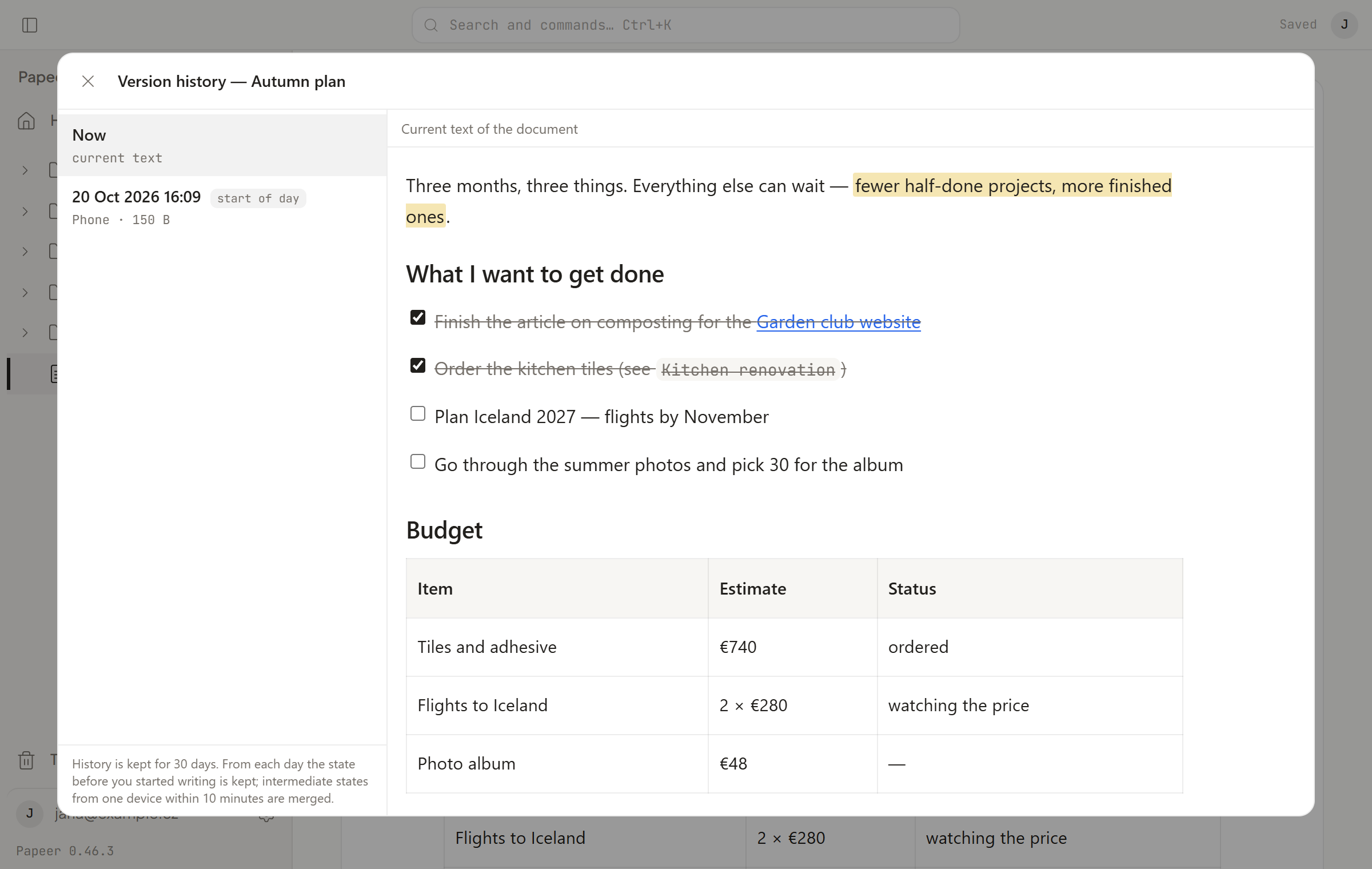
How versions are made
Writes from one device within ten minutes merge into one version, and the first version of each day always stays. Versions older than 30 days disappear. History doesn’t cover images and attachments — they live next to the document and change only by renaming or removing.
History versus trash
The trash is for whole documents and folders (see Documents and folders). Version history is for the text inside a document.