Help →
Search and shortcuts
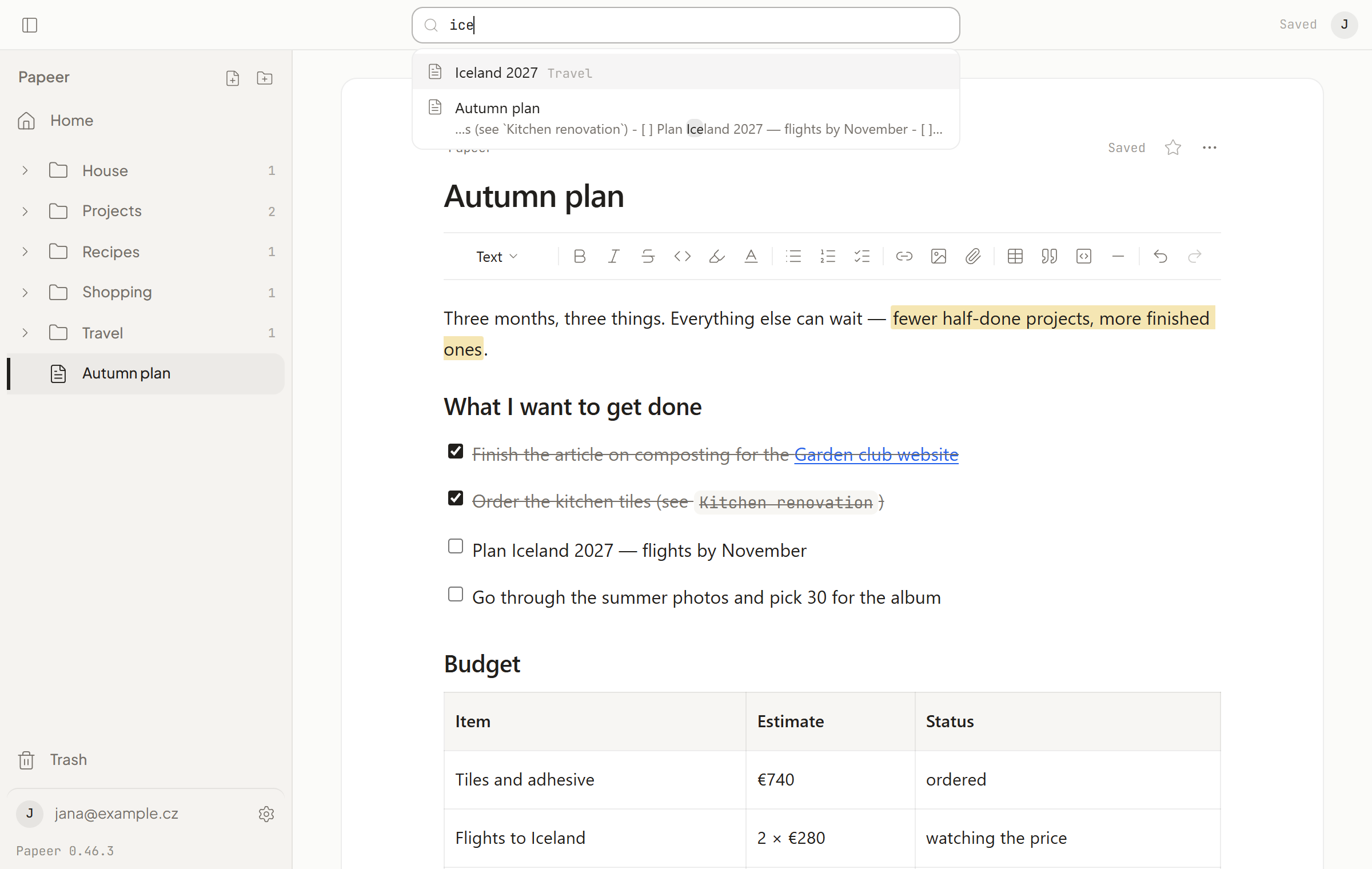
Search and commands
Ctrl+K (on a Mac ⌘K) opens search. Type to find documents and folders by name; below the results are commands — new document, new folder, Home, Trash, Settings, sync now, appearance. On a phone, search is under the magnifying glass in the top bar.
Keyboard shortcuts
Shortcuts work outside writing (when the cursor isn’t in the text). ? shows an overview any time.
| Shortcut | What it does |
|---|---|
Ctrl+K |
Search and commands |
/ |
Search |
N |
New document in the open folder |
Shift+N |
New folder |
G H · G T · G S |
Home · Trash · Settings |
J · K |
Next · previous row in the sidebar |
Enter |
Open |
X |
Select row (folder page) |
Del |
Delete row or selection |
Ctrl+Z |
Undo the last delete or move |
Ctrl+\ |
Hide or show the sidebar |
Ctrl+, |
Settings |
Esc |
Close, clear selection, go up a level |
In the text the usual editor shortcuts apply: Ctrl+B bold, Ctrl+I italic, Ctrl+Z undo, Ctrl+Shift+Z redo.