Help →
Images and attachments
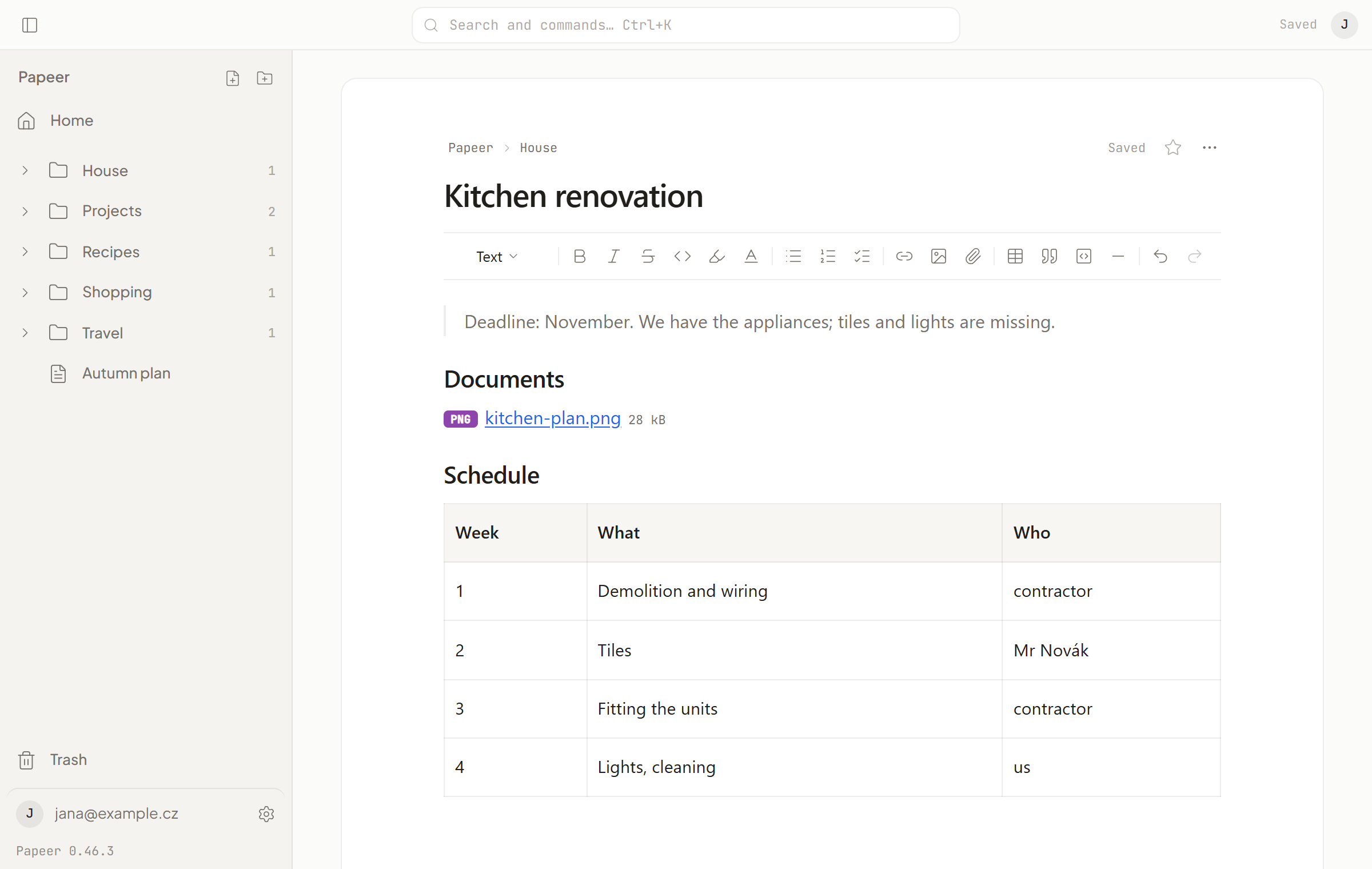
You can insert an image or any file into a document. Images show right in the text; other files as a row with the name, type and size.
Inserting
- Drag a file from your computer into the text.
- Paste it from the clipboard (
Ctrl+V) — works for screenshots too. - From the toolbar: Image or Attachment; with the slash
/image,/attachment.
Images can be up to 10 MB (PNG, JPG, GIF, WebP), other files up to 250 MB. The app refuses a larger file straight away and says why.
Where the files are
A file belongs to its document: it sits in the _assets folder next to it, and the text has a plain link to it. When you move the document, the files go with it. When you delete it, they go to the trash with it. In an export you get the files in _assets folders exactly as the documents link to them.
You can see the upload of a large file in the pill at the top right and in Settings → Sync. If the connection drops, it continues where it left off.
Opening and downloading
Tapping an attachment opens a preview right in Papeer — PDF page by page, an image, text. Files the preview can’t show offer a download. The … menu of an attachment has Open, Download, Rename… and Remove from document (removes only the link in the text; the file stays until you empty the trash).
Space
Images and attachments count towards your plan’s space (10 GB or 100 GB). You can see how much they take in Settings → Storage. Text doesn’t count towards space.